
Platform · Synthetic data
From a spreadsheet of scenarios to reviewed synthetic video
MLtwist turns a list of scenarios into scenes, writes the prompts, generates clips that continue one into the next, joins them into full-length video, and puts every video through review. Each one is delivered with a Data ID Card.
How it works
Six steps from rows to video
Generating one clip is easy. Keeping hundreds of videos consistent, on budget, and checked is the work, and each step here is built for it.
- 01
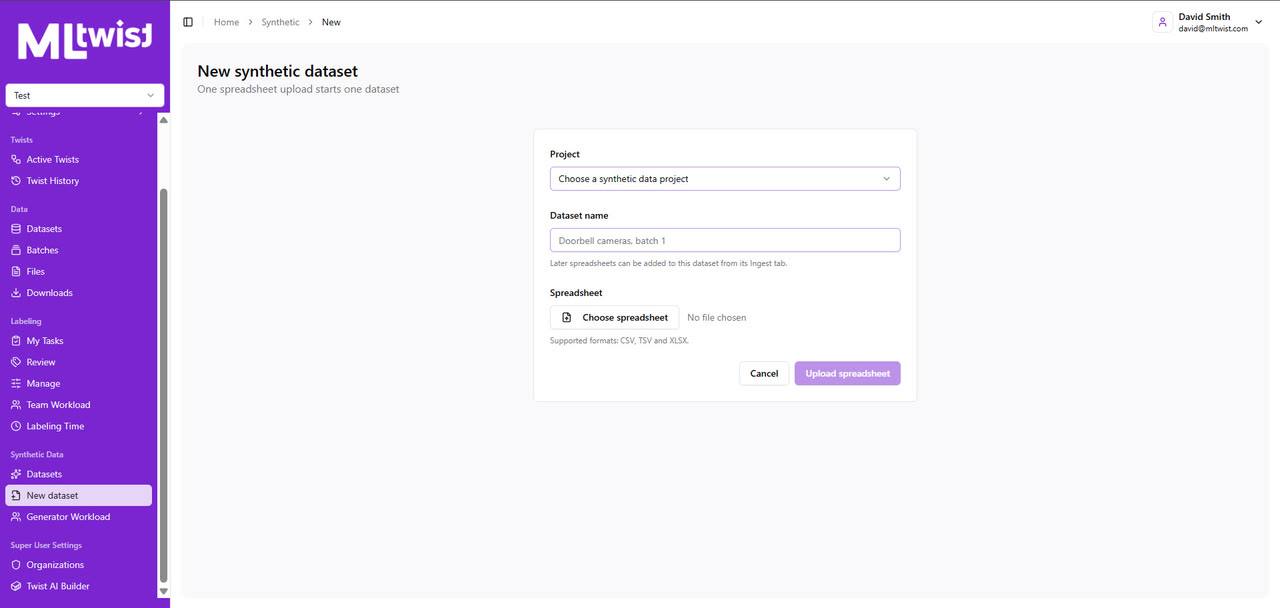
Upload the spreadsheet
One CSV, TSV, or Excel upload starts one dataset, one row per video. A person maps the columns: which ones describe the scene, which are metadata to carry through, and which name and tag the delivered file.
- 02
Group rows into scenes
Rows that share a setting are grouped into scenes, each with a written description, and a person confirms the grouping before anything is generated. A scene holds what every row in it shares: the place, the camera, the framing.
- 03
Set the look
Each scene gets a reference image, generated from its prompt or taken from a real photo, so every video in it starts from the same place. Child scenes inherit from their parent, so a variation changes only what it should.
- 04
Write the prompts
Prompts stack in layers: a project prompt, the scene prompt, then a prompt per row. A language model drafts every row's prompt and can split a long scenario into a storyboard of clip prompts.
- 05
Generate clip by clip
A first frame, then a first clip, then each next clip continues from the previous clip's last frame, so motion stays continuous. Reference frames keep people and objects consistent, and the picked clips are joined into one video of the length the row needs.
- 06
Review and deliver
Every finished video is approved, or sent back with a reason, before it counts. Approved videos land in your dataset with a Data ID Card, and a rework keeps the same file with its earlier versions.
Control
Control over every take and every dollar
Fix a take, not the whole video
Render another take, trim a clip, or describe what's wrong with one and have the model correct only that problem. Comments stay on the take.
Models per generation
Choose the video or image model for each generation, including Google's Veo and Gemini models, with the estimated cost shown before you run it.
Output settings
Landscape or portrait, clip length, audio on or off, and a ceiling on video resolution (up to 4K) and image size, set per project.
Attempts, not runaway retries
Each person gets a set number of attempts per scene, frame, and clip. A row that runs out is flagged, and a reviewer decides whether it gets more.
Spend you can see
Generation spend is broken down by model, person, and scenario, and language-model spend by what it was used for.
Every row tracked
Each row is Not started, Generating, In progress, Needs review, Changes requested, or Approved. Progress and workload are tracked across the dataset.
Traceability
Generated data that's labeled as generated
Frames and clips made along the way stay out of your dataset. Only the approved video is delivered, and its Data ID Card records how it was made, so real and synthetic files can share a training set without anyone losing track of which is which.
More on the Data ID CardOn each video's Data ID Card
- The scenario and spreadsheet row it came from
- Its scene
- Every prompt, including each clip's prompt
- Each clip's length and the total duration
Tell us the scenes you need
Send a few example scenarios and the conditions your model has to handle. We'll show you what MLtwist generates from them.
Also available through Carahsoft and Google Cloud Marketplace.